> ## Documentation Index
> Fetch the complete documentation index at: https://docs.kuru.io/llms.txt
> Use this file to discover all available pages before exploring further.
# Markets
Deposit liquidity to any market, powered by [vaults](what-is-a-vault) and [flip orders](flip-orders).
## **How to deposit liquidity**
1. Go to [kuru.io/liquidity](https://www.kuru.io/liquidity) to access the list of markets. Users can also access the page from a market page by clicking on 'Liquidity.'
2. Select the market you want to deposit liquidity to.
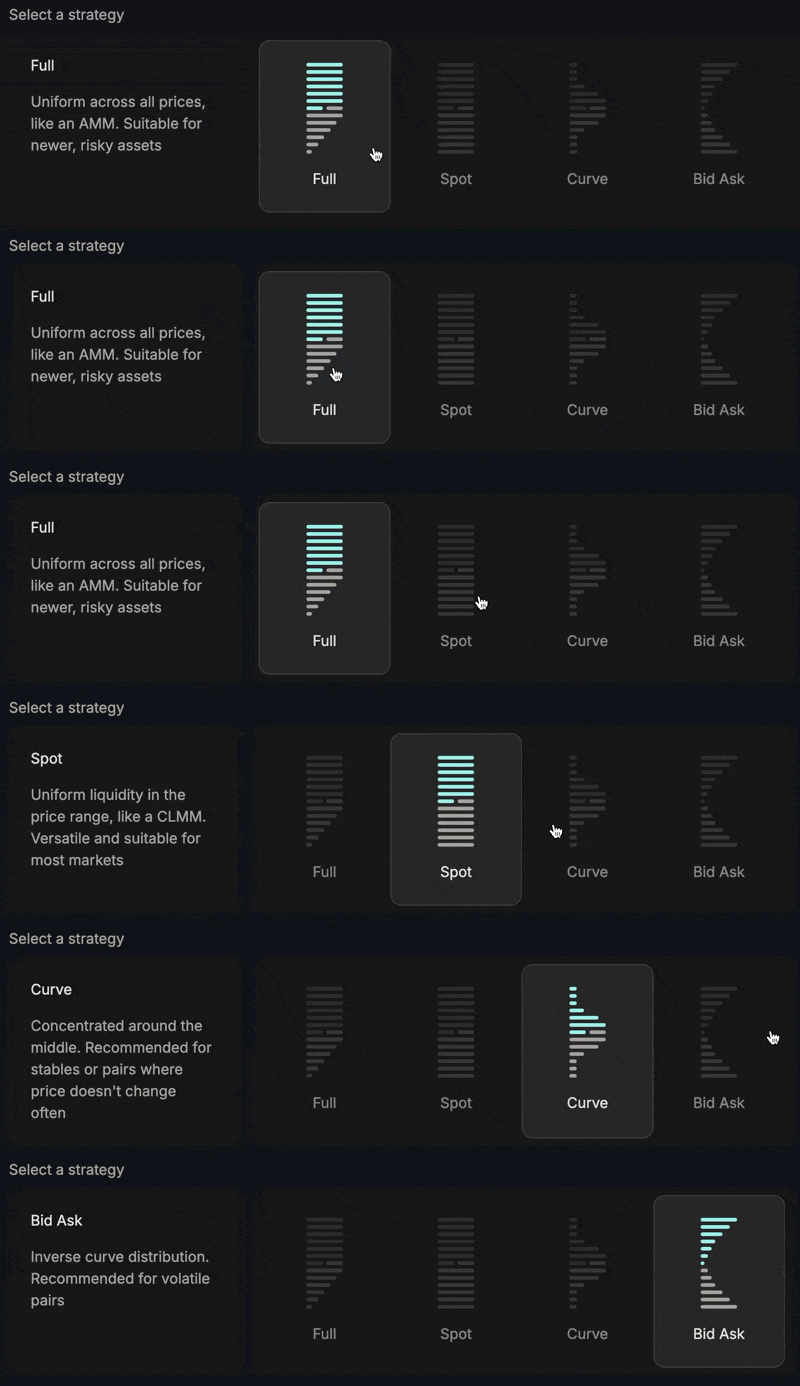
3. Choose a strategy.
 4. Pick a fee tier.
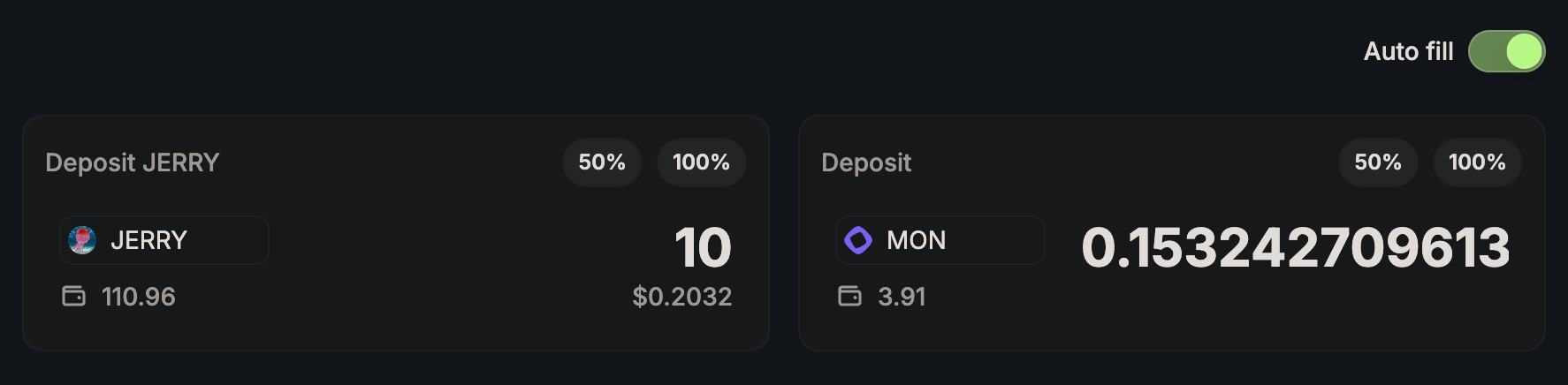
 5. Choose the amount of liquidity you want to deposit.
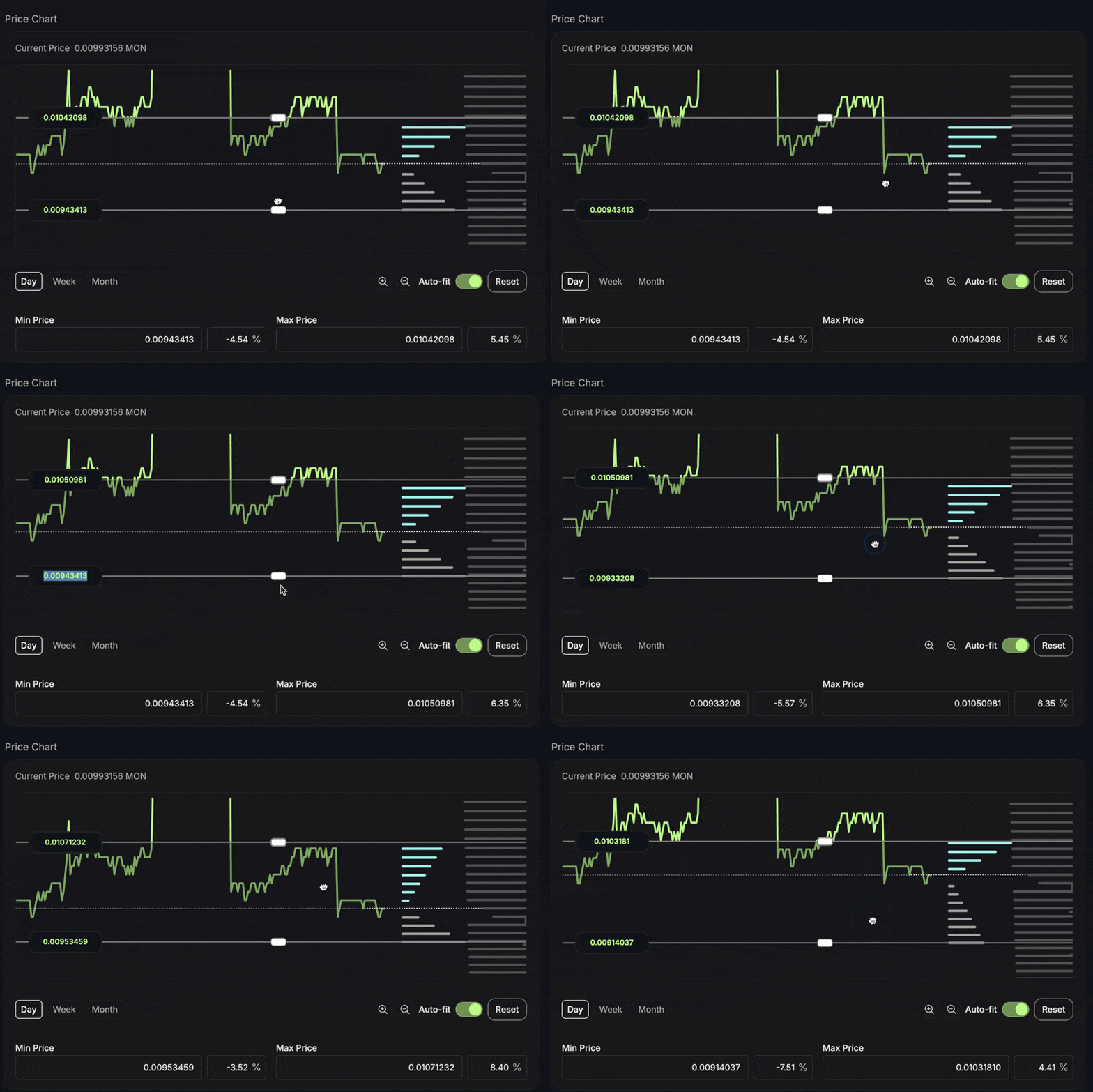
 6. Select price range on the chart
 Users can access their liquidity positions from the specific market page or from their Portfolio under the liquidity section.