> ## Documentation Index
> Fetch the complete documentation index at: https://docs.kuru.io/llms.txt
> Use this file to discover all available pages before exploring further.
> Enable one-click trading, portfolio tracking, and more with our embedded wallet, secured by Privy.
# Kuru Wallet
Kuru's embedded wallet is a secure, non-custodial way to store your funds, powered by [Privy](https://www.privy.io/). The wallet allows users to execute trades instantly without managing multiple pop-ups or signing numerous transactions.
## Login
Users can login to Kuru with existing accounts like Google, X, Discord, Email and more.
When users login to Kuru for the first time a new Kuru wallet is created. This is a **brand new wallet** and has to be funded with MON. Users can always use the same account to login to Kuru and access funds.
Click on your wallet address on the top right corner, and hover on the address to see your login method.
## Add funds
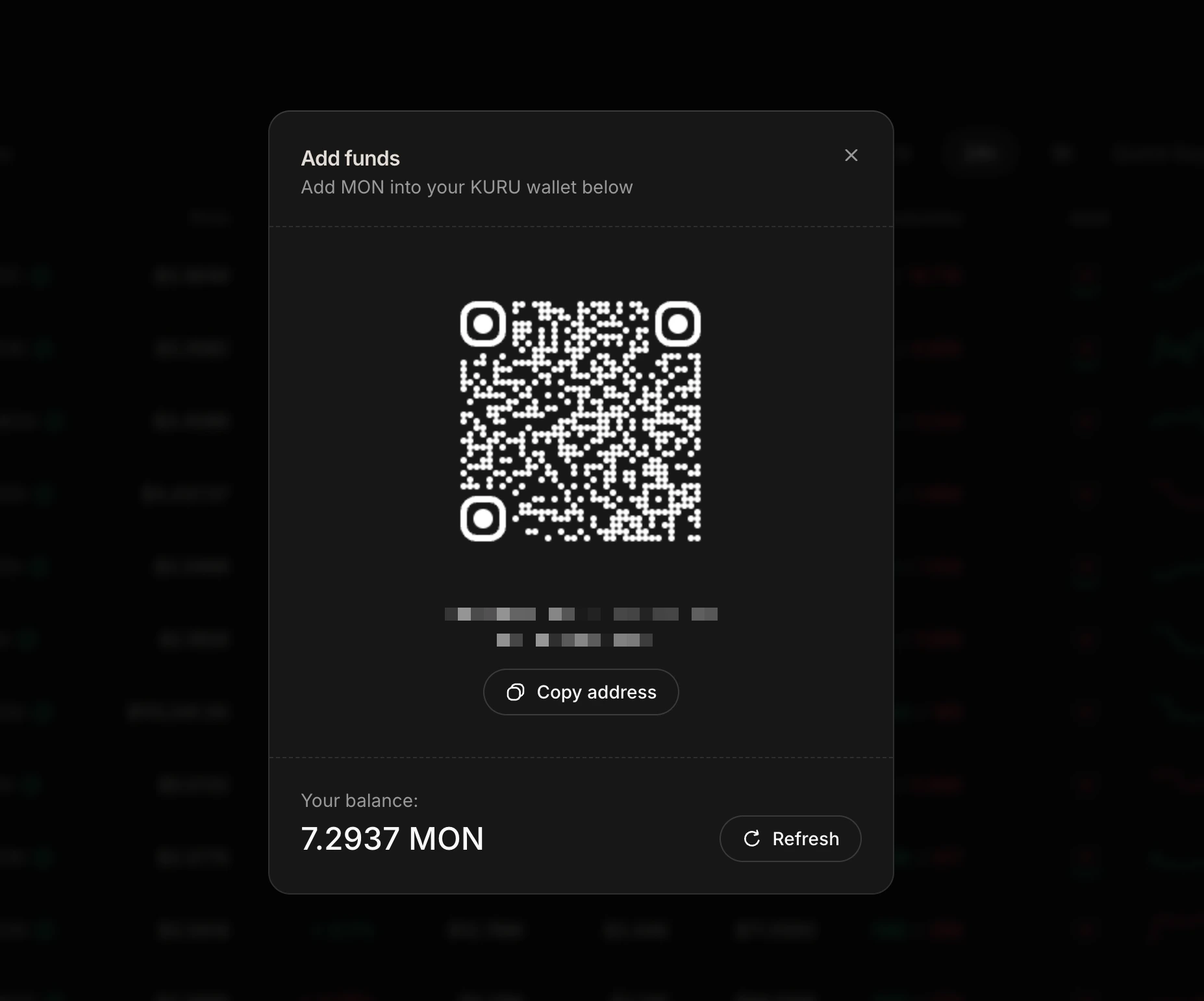
Users need to transfer MON to their Kuru wallet to begin trading. Scan the QR code or copy the wallet address to transfer MON. Users can also bridge funds from other chains.
 ## Withdraw
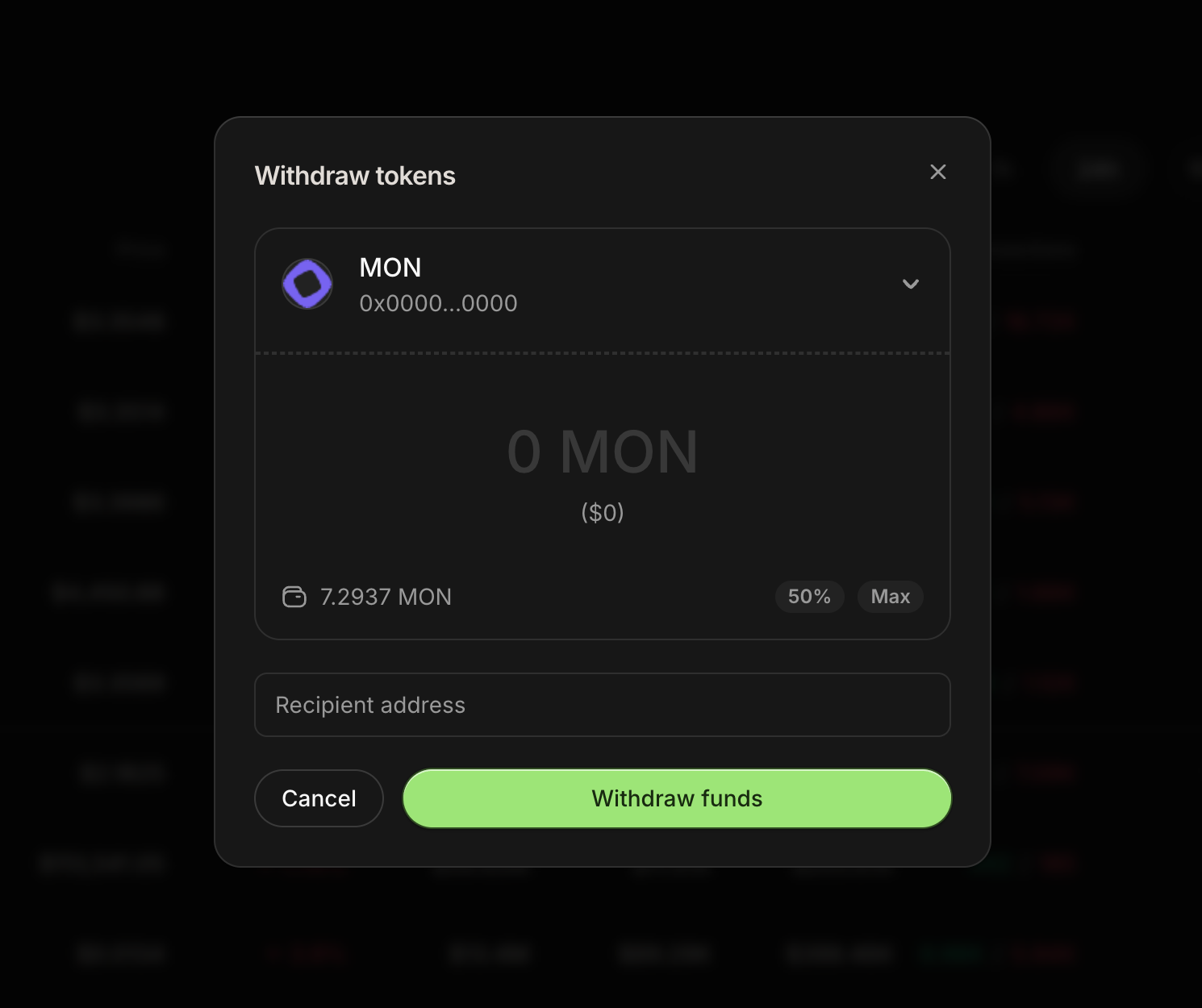
Users can withdraw MON or other asssets to any wallet of their choice on the Monad blockchain.
It is recommended to leave some MON in the wallet to pay for gas fees on Monad.
## Withdraw
Users can withdraw MON or other asssets to any wallet of their choice on the Monad blockchain.
It is recommended to leave some MON in the wallet to pay for gas fees on Monad.